
Servers, storage, and backup
A reliable place to keep and back up files matters as much at a small office as it does at home. MSE Solutions plans, installs, and configures on-premises servers and network-attached storage, with Synology as the go-to NAS and backup platform. Mike's background includes VMware and virtualization work, including vSphere and vCenter, which informs how server and backup projects are planned.
What this can include
- File and backup server installation and configuration
- Synology NAS setup, including disk layout and shared folders
- Backup planning, including a practical 3-2-1 approach
- Synology Hybrid Share and cloud backup configuration when you want a copy off-site
- Synology Active Backup for Business for computers, servers, and virtual machines
- VPN access so you can reach on-site systems securely from elsewhere
- A handoff so you know how backups run and how to get a file back
Synology storage and backup
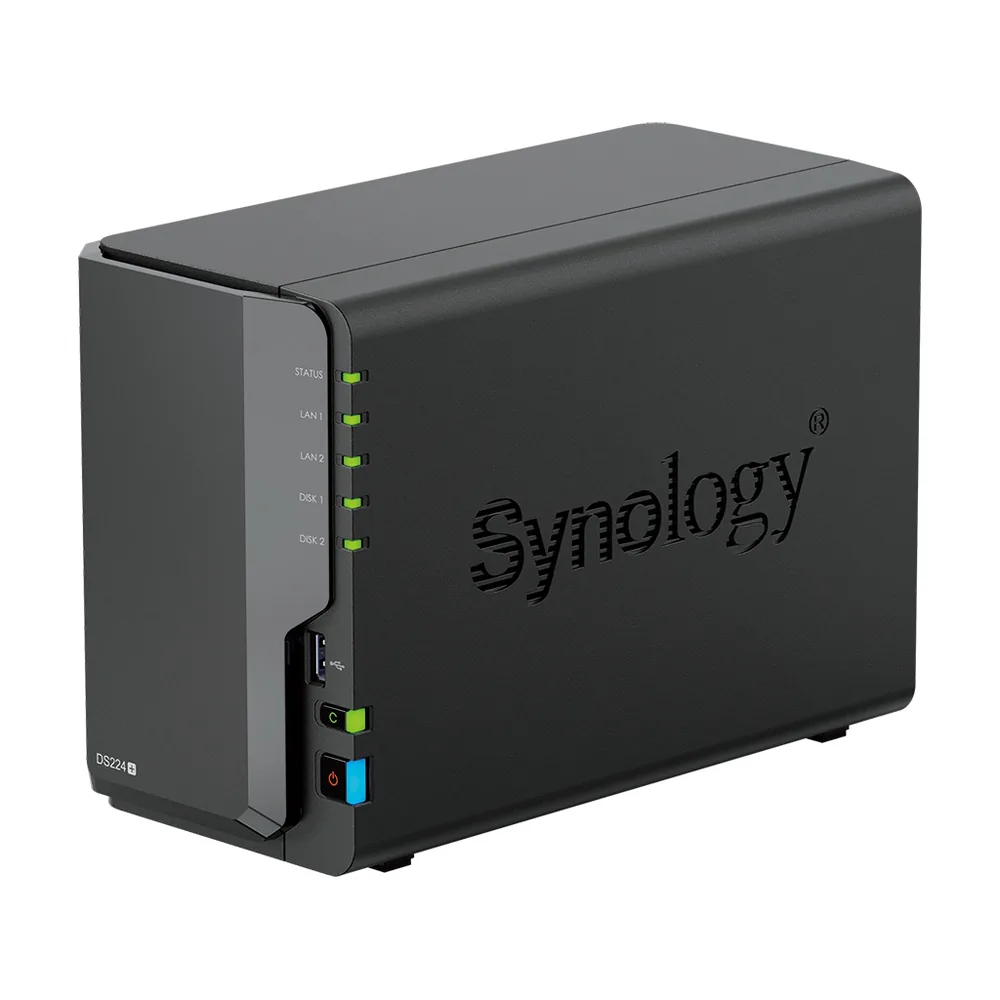
Synology is the go-to platform when a project needs on-site file storage and a backup plan. A typical setup can include a DiskStation NAS, shared folders for the household or office, and a backup design that keeps more than one copy of important files.
When it fits the job, setup can also include a practical 3-2-1 backup approach, Synology Hybrid Share or other cloud backup so a copy lives off-site, and Synology Active Backup for Business for computers, servers, or virtual machines. The exact features are chosen during the consultation and written into the quote.
Mike has completed several professional UniFi and Synology installations. Synology is the NAS and backup platform typically specified and installed for storage and backup work.
Every job starts with a free consultation and a written quote. Pricing depends on the space, the equipment, and the work involved.